
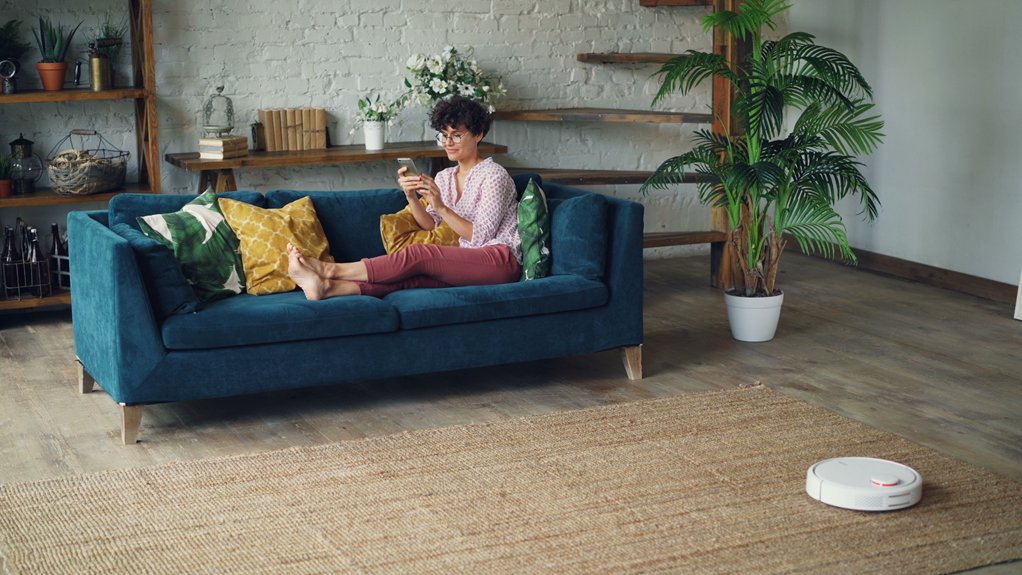
I’ve watched AI tools help decorate blank living rooms—and it’s simpler than you’d think. Upload a photo, describe your mood (cozy? modern? eclectic?), and platforms like VisualizeAI or RoomsGPT generate multiple design concepts in seconds. The real value comes when you refine these ideas iteratively, treating AI as your collaborative designer rather than an authority. Push back with specifics—family photos, textures, cultural touches—then shop for real pieces that match your vision. There’s so much more to discover about turning digital mockups into lived-in reality.
How AI Transforms Your Living Room in Three Steps
How AI Helps You Redesign Your Living Room in Three Steps
Ever stared at your living room and thought, “I know something’s off, but what?” You’re not alone—and here’s the good news: AI can actually help you figure it out.
Ever stared at your living room and thought something’s off? AI can help you figure it out.
Step 1: Start With What You’ve Got
Snap a photo of your room or upload your room layout. That’s it. You’re giving AI interior design tools the foundation they need to understand your space.
Step 2: Generate Design Concepts
AI creates multiple design options in seconds. You’ll see different room layout possibilities, color schemes, and furniture arrangements all at once.
Step 3: Refine Until It Works
Found something you like? Tweak it. Remove that harsh lighting. Add softer textures. Keep iterating until the design feels right for you.
That’s how it works: AI doesn’t decide *for* you. It decides *with* you.
VisualizeAI: Best for Precise Customization and Exclusions
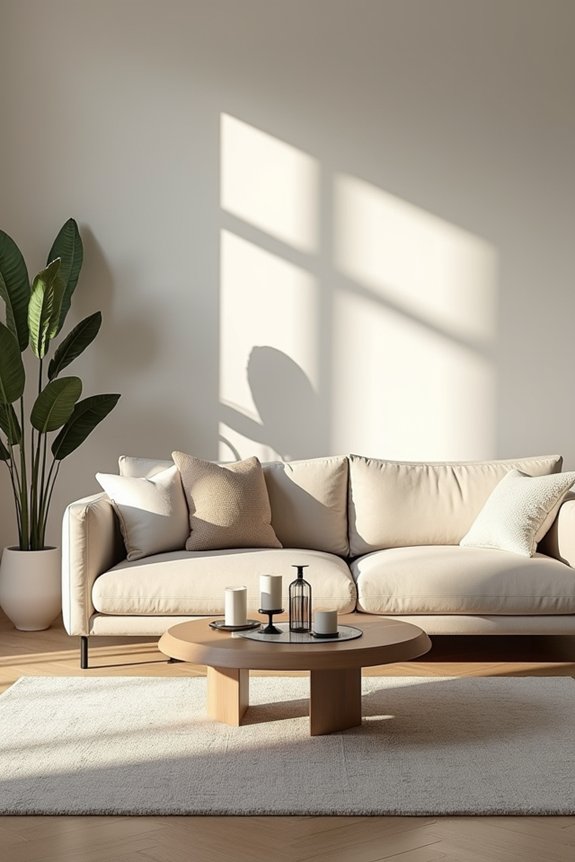
- Exclusions work like magic. Tell the AI what you *don’t* want, and it respects those boundaries while reimagining everything else.
- Text prompts add layers. Describe your vision beyond basic room types and style presets.
- First prompt’s free. Test it before committing to the $19 monthly subscription.
This approach feels like having a designer who actually listens to you.
RoomsGPT: Best for Quick Full-Room Reimagining
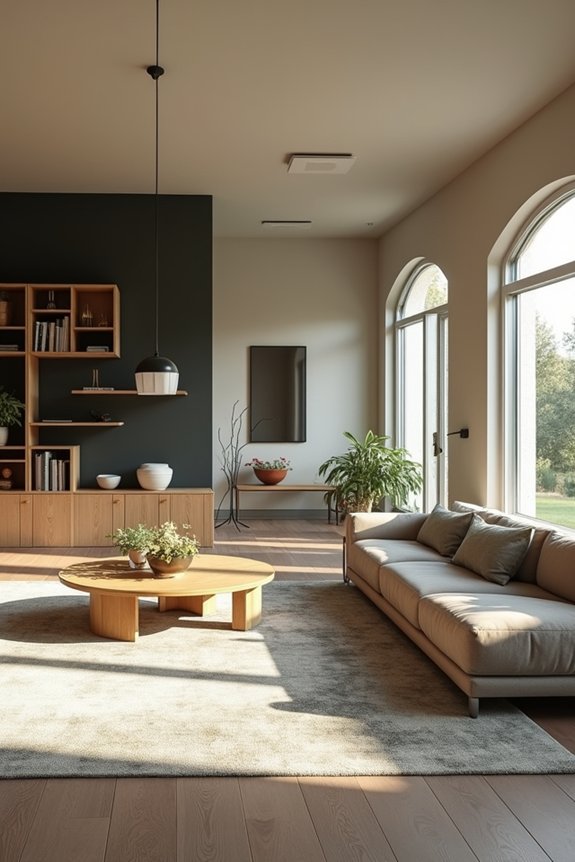
- Upload your room photo and get two AI interior design iterations instantly
- Choose from designer-inspired styles like Nate Berkus or Joanna Gaines
- Hit regenerate whenever you want to explore refreshing concepts
- Support for unusual spaces—wine cellars, patios, whatever you’ve got
The retro UI feels refreshingly simple. Yes, details sometimes blur in renders, but that’s the trade-off for speed. You’re not spending hours tweaking specifications. You’re just seeing possibilities. That freedom is useful for quick exploration.
HomeVisualizerAI: Best for Professional-Grade Renders
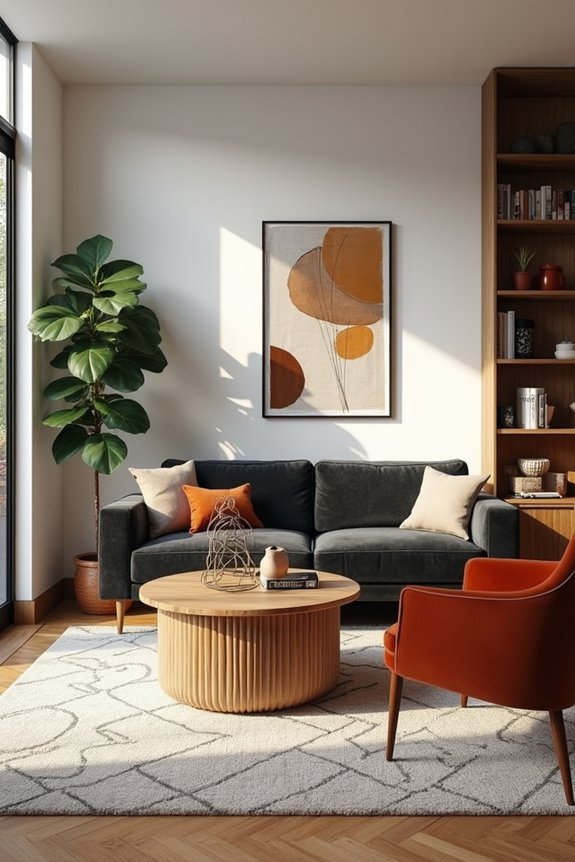
You can create interior design renderings that look like photographs. HomeVisualizerAI delivers professional-grade renders that impress clients and stakeholders. You input your room type, select a style, and add custom prompts for precise control. The “style fashion” feature blends inspiration images with your space.
Create photorealistic interior design renders with precise control over style, finishes, and furniture using custom prompts and inspiration blending.
What works well: text input alongside style selection ensures your renders match your specifications exactly. The Google Lens compatibility helps you locate actual products you see rendered. Quality is consistently high, though AI occasionally produces unexpected results.
The limitation: three free renders, then approximately $12 monthly. It’s worth the investment if you’re serious about AI interior design and want detailed control over finishes and furniture selections.
Common Pitfalls When Using AI for Room Decoration
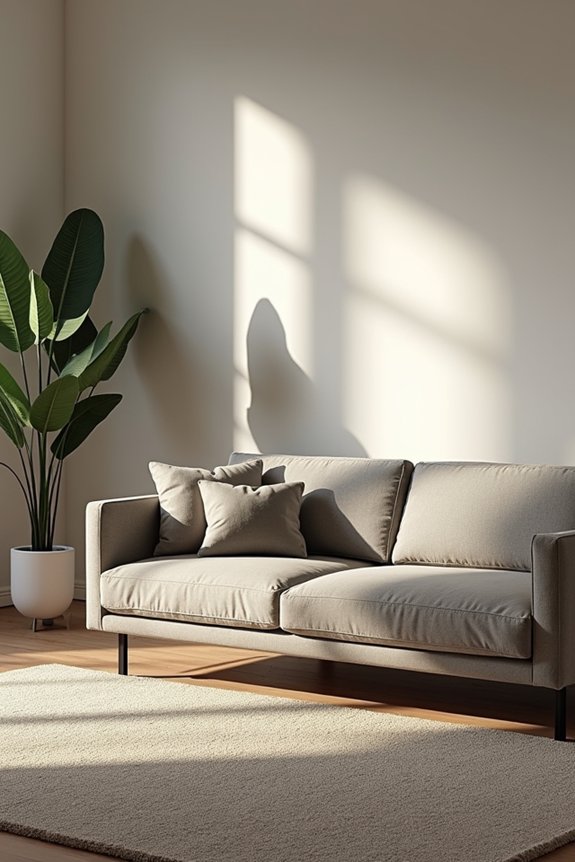
When I first tried AI decoration tools, I discovered that what looked great on my screen—a perfectly blurred sofa that somehow fit my awkward corner—fell apart when I measured my actual space. You’ll likely hit three major walls: fuzzy, low-detail renders that need endless tweaking, image quality limits that choke on large uploads or refuse to remove that eyesore lamp you want gone, and designs that sound brilliant but cost three times your budget or require structural changes your landlord would never approve. The gap between AI’s suggestions and real-room physics can be genuinely frustrating, so I learned to treat these tools as inspiration springboards rather than blueprints.
Unrealistic Detail Rendering
Most AI room designs I’ve tested stumble hard regarding the details that actually matter. You’ll spot unrealistic detail rendering immediately—textures blur into soup, and furniture looks like it’s floating in space rather than sitting on your floor.
Here’s what I’ve noticed repeatedly:
- Countertop edges don’t align with walls or cabinets
- Lighting casts shadows that defy physics
- Objects appear photo-edited instead of naturally placed
- Misalignment between furniture and floor plans creates impractical layouts
The frustration hits when you realize that sofa won’t actually fit through your doorway, or that “marble” countertop is just smudged pixels. I’ve learned you can’t trust AI visuals alone. Cross-check everything against real product dimensions and human-scale references. Multiple iterations help, but your eyes and measurements matter most.
Image Quality Limitations
- Simplify your prompts. Fewer details mean fewer processing failures.
- Manage file sizes. Smaller uploads render faster and cleaner.
- Expect imperfection initially. Most renders need refinement.
The reality? Rendering realism requires patience. I’ve watched my countertops move from muddy blurs into recognizable surfaces once I adjusted my approach. Textures still occasionally look unconvincing—lighting gets weird sometimes—but understanding these limitations helps me work *with* the tool rather than against it.
Design Feasibility Mismatches
I learned this the hard way. AI suggested a sectional that looked perfect in the render—until I realized it wouldn’t fit through my doorway. The design feasibility issues are real:
- Furniture sizes don’t match your actual measurements
- Windows, doors, and outlets get ignored completely
- Traffic flow patterns become impractical
- Existing architectural constraints aren’t considered
The realism problem? AI doesn’t know your room’s quirks. That awkward corner, the radiator by the wall, the outlet placement—these details matter. You’ll need precise measurements and honest descriptions of what you’re working with. Otherwise, you’re getting a beautiful fantasy instead of something livable.
Setting Up Your AI Design Brief: What to Prepare
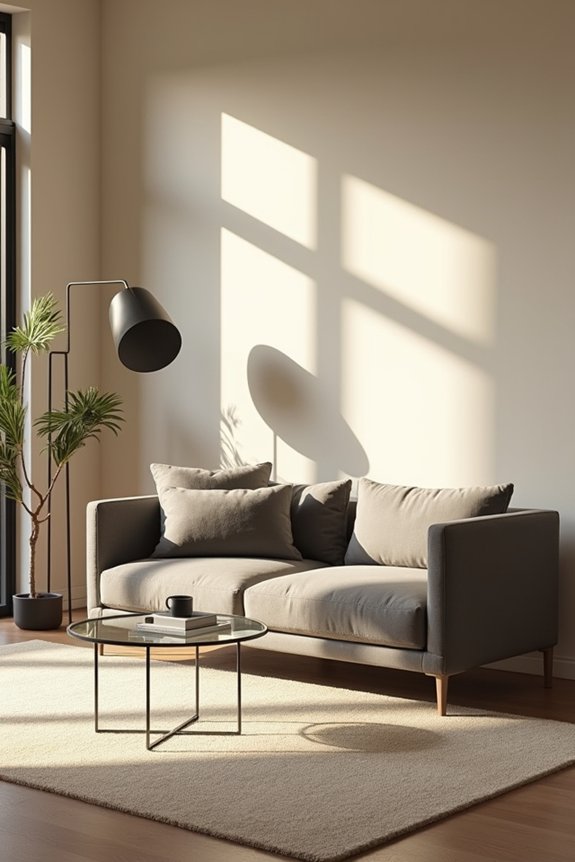
Gather these essentials: a clear photo of your current room, your room type, and your preferred style. Write down your must-haves and what you absolutely don’t want. Specific goals matter—do you want warm tones or cool ones? More seating or breathing room?
Include practical details like measurements, window placements, and budget. These constraints keep your AI recommendations realistic and shoppable.
Add reference inspiration—Pinterest boards, style names like boho or mid-century modern. Create an exclusions list too. This groundwork turns vague wishes into actionable directions your AI can actually follow. Think of it as speaking the same language.
Translating Your Mood Into AI Prompts That Work
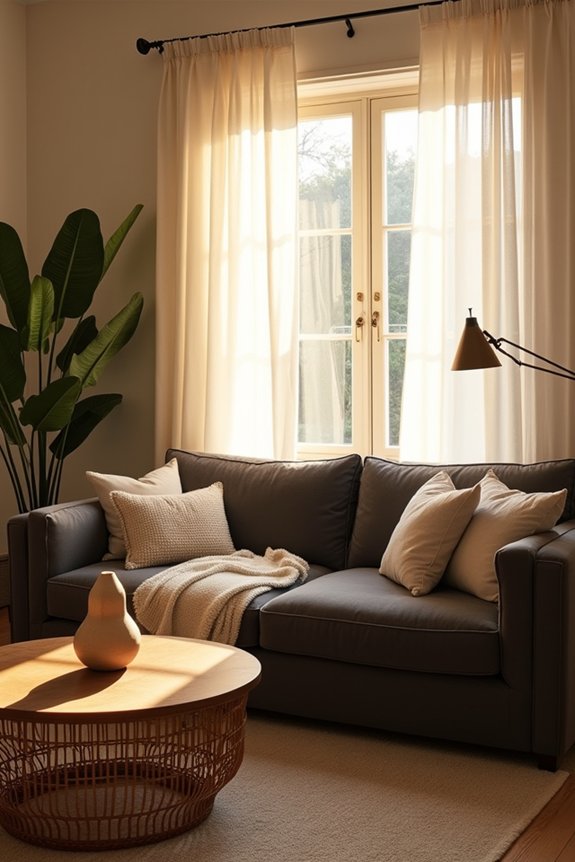
Before you ask an AI tool to redesign your living room, you’ve got to speak its language—and that means turning your gut feelings into actual words. When I say “I want it to feel cozy,” the AI’s scratching its head; but when I say “warm cream walls, chunky knit throw, low wooden coffee table, and soft amber lighting,” suddenly we’re working with something real. The trick isn’t being a design expert—it’s being honest about what makes you *feel* good, then describing it with enough detail that the AI can picture the exact vibe you’re chasing.
Identifying Your Aesthetic Preferences
How do you know what you actually want your living room to feel like? Start by noticing what draws you in. I scrolled through countless design photos and realized I kept saving moody, warm spaces—not sleek minimalist ones.
Your mood shapes everything. Ask yourself:
- Do I crave calm or vibrant energy?
- What textures make me want to sit down? (velvet, linen, leather?)
- Which colors make me feel at home?
- What’s one room I’d want to live in forever?
Your style follows naturally. Once I admitted I loved cozy boho vibes, suddenly everything clicked. Warm lighting, layered textiles, earthy tones—they all made sense.
Jot down three words describing your ideal space. These become your AI prompt foundation, guiding you toward renders that genuinely feel like you.
Crafting Descriptive Mood Language
You’ve named your three words—maybe *cozy*, *warm*, *layered*—and now comes the fun part: actually telling the AI what you mean.
Descriptive prompts turn vague feelings into concrete visuals. Instead of saying “cozy,” try: “warm terracotta tones, plush textiles, low-profile sofas with soft natural light.” This mood language anchors your aesthetic with specific details the AI actually understands.
| Mood Word | Descriptive Prompt |
|---|---|
| Cozy | Warm lighting, oversized throw blankets, reading nook |
| Boho | Moroccan rug, woven wall hanging, curved furniture |
| Minimalist | Clean lines, matte finishes, neutral palette |
| Eclectic | Mixed patterns, vintage finds, layered textures |
| Modern | Sleek surfaces, geometric shapes, bold accent wall |
Layer textures, lighting, and function together. Exclude what doesn’t serve you—”avoid heavy dark furniture” keeps results aligned with your vision. Your prompts guide the AI toward *your* space, not someone else’s ideal room.
Refining Prompts Through Iteration
Your first AI prompt won’t be perfect—and that’s exactly the point.
I’ve learned that prompt iteration—asking, adjusting, asking again—gets vague ideas into real design direction. Start broad (“cozy Moroccan boho”), then refine through successive requests:
- Add specific textures (woven poufs, layered rugs)
- Adjust lighting (warm amber instead of bright white)
- Remove clashing elements (minimize sleek metal accents)
- Request layout tweaks (fireplace as focal point)
Each iteration gets you closer to what you actually want. When I asked for “more texture,” the AI suddenly understood my vision better. I didn’t feel lost anymore—I felt heard.
This back-and-forth mirrors real design conversations. You’re not being indecisive; you’re being deliberate. That’s how AI becomes your actual design partner, not just a random image generator.
Refining AI Suggestions Into Your Personal Style
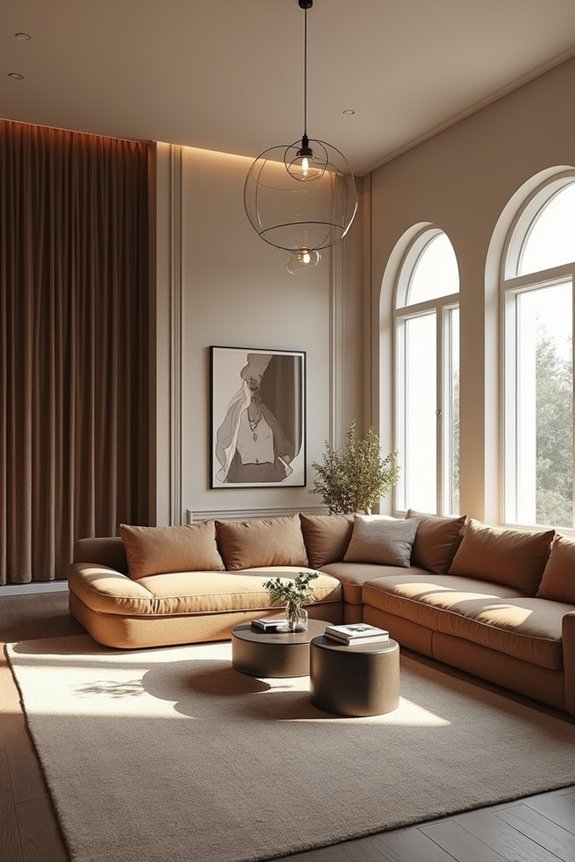
When I started exploring AI interior design for my living room, the suggestions felt sterile—like they were describing someone else’s home. That changed when I stopped accepting initial ideas and started pushing back. I’d say, “This feels too cold,” and refine prompts with specifics: family photos, cultural touches, my love of natural textures.
The breakthrough came from treating AI as a brainstorming partner, not an authority. I’d get suggestions, then hunt for actual pieces online that matched the *feeling* I wanted. I added DIY elements my family loved. That black-and-white coffee table? AI suggested it; I found it real.
Your personal style emerges when you blend AI’s layout wisdom with your own hands-on choices.
Beyond the Render: Turning AI Ideas Into Real Spaces
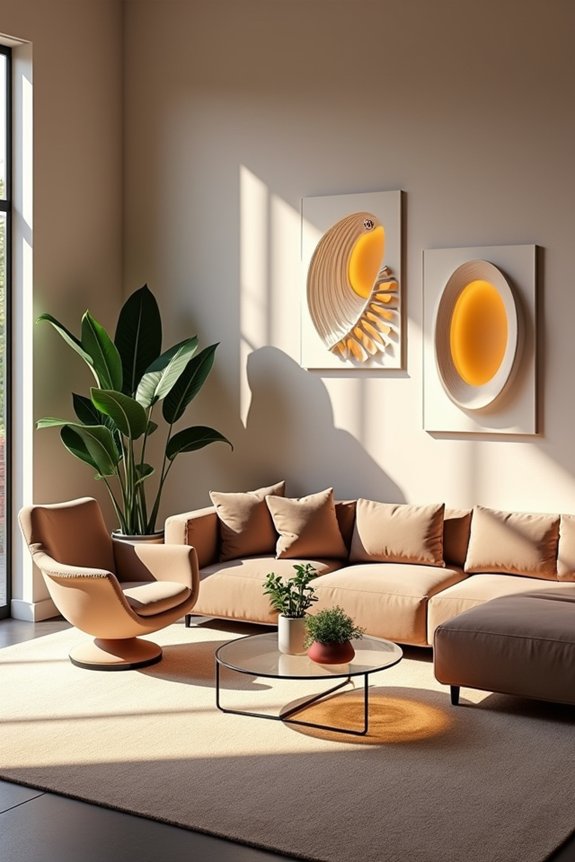
How do you move from a pretty digital mockup to an actual room you’ll live in and love? That’s where AI-assisted shopping and real-world implementation shine.
Moving from digital mockup to lived-in reality is where AI-assisted shopping and hands-on implementation truly shine.
I’ve learned that translating digital designs requires practical steps:
- Identify anchor pieces through AI product discovery tools
- Shop for textures—stones, linens, woods, woven baskets
- Map placement strategies using ChatGPT guidance
- DIY and adjust as you go
A curved-corner bookshelf painted white became our family’s centerpiece. That MINE coffee table anchored everything. But here’s the thing: AI suggestions feel real only when your hands touch them, arrange them, live with them.
The real work happens in the gap between screen and space. That’s where your personal style takes over, making the design genuinely yours.