
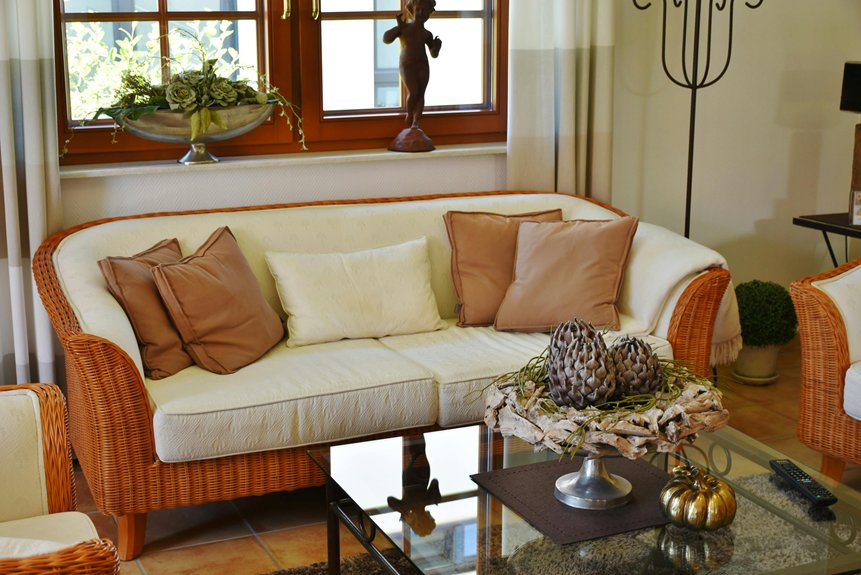
I’ve used ChatGPT to redesign my living room by uploading a real photo, describing my style preferences, and letting the AI generate custom design plans. You simply share what’s fixed (that inherited sofa!) versus changeable, specify your must-haves (natural light, conversation zones), and ChatGPT creates detailed plans with paint colors, furniture placement, and layouts. Then you refine ideas through follow-up prompts, test paint schemes digitally, and correct any missed details—all risk-free before buying anything. The specifics? They’re waiting below.
Upload a Photo and Describe Your Living Room
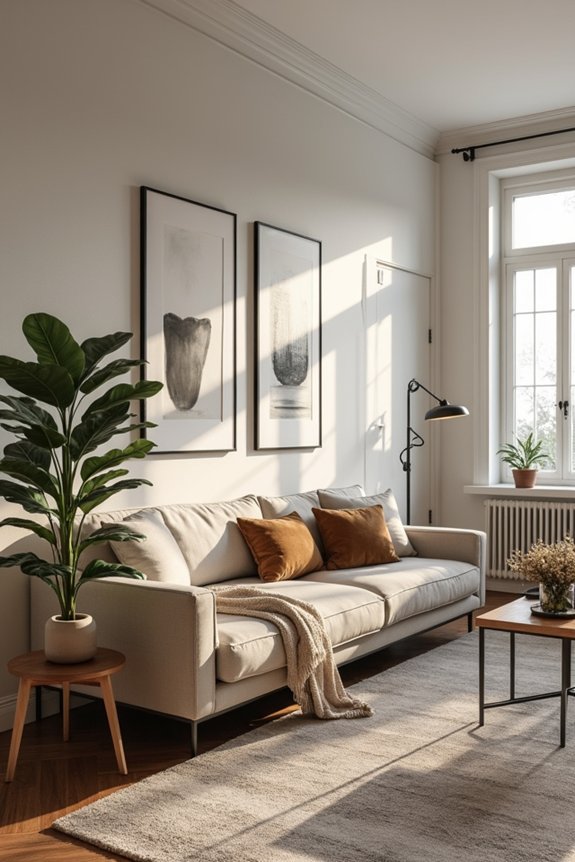
How’d you like to improve your living room without hiring an expensive designer?
Start by uploading a photo of your actual space. I snapped mine during afternoon light—that’s when you’ll catch the real colors and shadows. ChatGPT analyzes what you’ve got: the furniture arrangement, wall colors, flooring, everything.
Start by uploading a photo during afternoon light—that’s when ChatGPT captures the real colors, shadows, and everything about your space.
Next, describe what matters to you. Tell ChatGPT your style preference—maybe modern, cozy farmhouse, or eclectic. Share your color preferences. Mention what stays put and what you’re ready to change.
Here’s what happens: you’re not starting from scratch. Your living room already has bones and personality. You’re building on what’s genuinely yours, making it feel more aligned with who you are.
This foundation turns vague ideas into a real plan tailored to your actual walls and windows.
Craft a Specific Prompt With Style, Colors, and Constraints
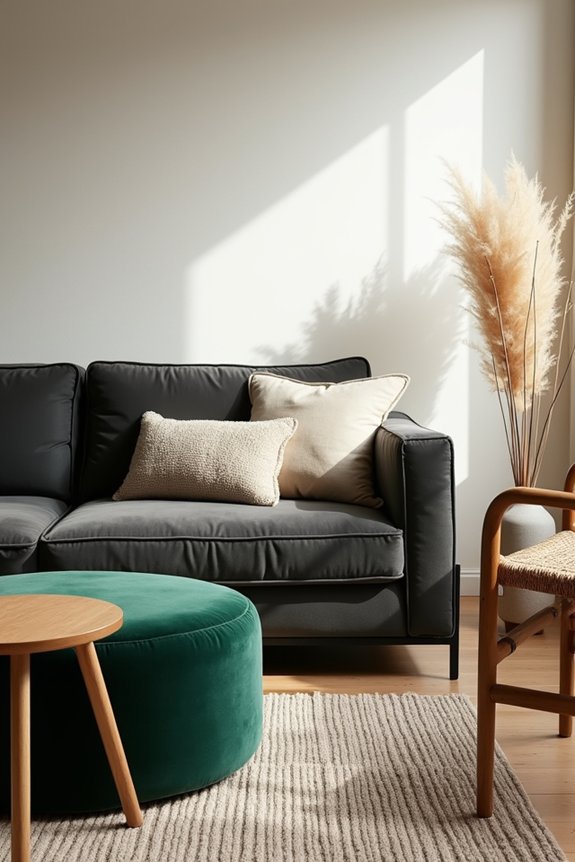
Creating Detailed Design Prompts for Room Planning
Include layout details: “Couch faces the TV on the north wall. We need seating for five.” Specify what matters most—natural light, storage, or conversation flow.
Add role-play direction: “Style this like Rejuvenation” or “West Elm meets minimalist.” Request your itemized plan with specific paint colors, trim work, textile swaps, and furniture placement.
These detailed design prompts turn ChatGPT into your personal decorator rather than a guessing game.
Refine Your ChatGPT Design With Follow-Up Prompts
I refine one thing at a time:
- TV placement—should it float on the wall or sit on a console?
- Furniture scale—are my pieces too bulky for the room’s privacy zones?
- Rug size—does it anchor the seating or overwhelm the design?
- Paint colors—warm or cool tones that match my chosen style?
Each tweak builds on the last. I remind ChatGPT about my style preference—whether that’s Rejuvenation-inspired or modern farmhouse—so the voice stays consistent. This incremental approach turns a generic suggestion into my perfect room.
Visualize Paint Colors and Layouts Before Deciding
Now comes the fun part—you can actually see your ideas come to life before you pick up a paintbrush or move a single piece of furniture. When you upload your living room photo and ask ChatGPT to generate multiple paint schemes (think soft neutrals versus warm terracottas versus that bold navy you’ve been eyeing), you’ll spot exactly how each choice affects your space’s brightness and mood. By testing different layouts simultaneously—swapping accent wall positions, adjusting furniture placement, comparing trim finishes—you’re running a risk-free experiment that saves you from costly mistakes and second-guessing later.
Testing Paint Colors Digitally
How’d you like to skip the part where you paint an entire wall “Peaceful Sage” only to discover it looks like a hospital waiting room in your actual lighting?
I use ChatGPT to test paint colors before committing. Upload your room photo and get AI renderings showing different palettes instantly. Here’s what I explore:
- Cool neutrals that feel calm and spacious
- Warm earthy tones that radiate coziness
- Bold accent walls that add personality without overwhelming
- Undertone variations (green, blue, pink) that shift the whole mood
The magic happens when you specify color codes, desired undertones, and your lighting conditions. ChatGPT generates comparable digital previews side-by-side, showing how each option affects your space.
Remember: AI renderings aren’t perfect for exact boundaries or texture. Verify with real paint swatches in your actual lighting before buying gallons. Your eyes deserve that assurance.
Layout Refinement Through Iterations
The real difference? Using iterative prompts to test one design idea at a time. I started by asking ChatGPT to show me my sofa in different positions—first facing the TV, then angled toward the window. Each tweak revealed something new about how people move through my space.
Next, I adjusted the rug size. Smaller felt cramped; larger opened everything up. Then came the coffee table placement. By requesting side-by-side comparisons of each shift, I avoided expensive mistakes.
What I learned: This approach feels less overwhelming than redesigning everything at once. You’re building confidence through small decisions, like assembling a puzzle piece by piece. Before committing to furniture purchases, I measured everything twice and tested layouts with cardboard cutouts.
When ChatGPT Misses Details: How to Correct It
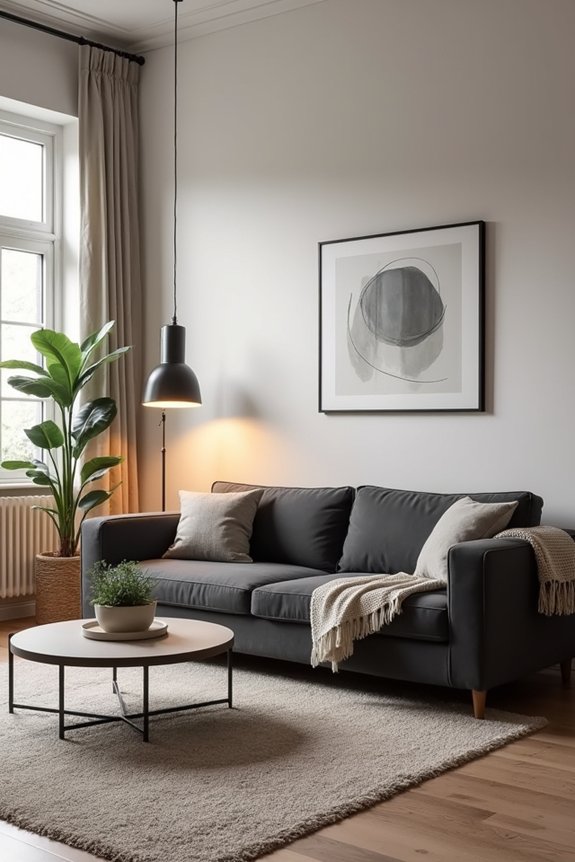
Ever gotten a layout suggestion that looked great—until you realized the sofa was blocking your bedroom door?
I’ve been there. ChatGPT sometimes misses essential details about your actual space. Here’s how I fix it:
Refine Through Re-prompting
When something’s off, I don’t start over. Instead, I give precise constraints:
- Keep the sofa against the left wall—that’s fixed
- Place the TV opposite the windows—nowhere else
- Avoid the doorway entrance completely
- Center the coffee table between seating areas
The Iteration Method
I tackle one element at a time. Rather than overhauling everything, I’ll say: “The bookshelf placement works, but move the dining table three feet east.”
Verify Measurements
Before prompting, I jot down room dimensions and furniture sizes. This prevents ChatGPT from suggesting a sectional that’ll swallow your entire room.
Sometimes starting fresh helps too. A new chat resets assumptions and lets me state constraints distinctly from scratch.
Generate More Variations Faster With ChatGPT Plus
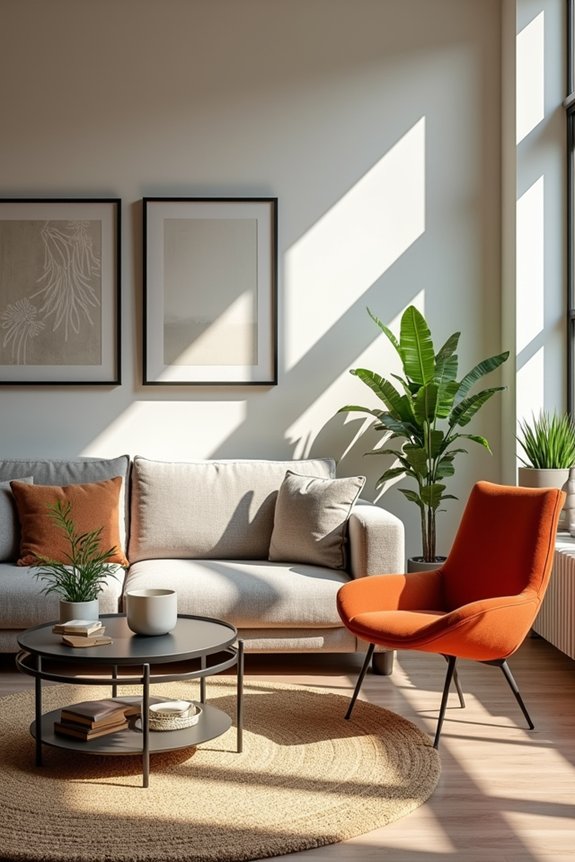
I went from three free images daily to about 50 every three hours. That’s a significant shift for decorating decisions.
Why This Matters
With Plus, I can test multiple living room styles back-to-back—Rejuvenation one moment, Modern the next. No waiting around frustrated. I’m exploring furniture placements, color palettes, and lighting ideas in quick succession.
What I Actually Do
I prompt variations rapidly. Complex requests? Plus handles them. I build comprehensive mood boards comparing scenarios side-by-side. Larger image batches mean I’m seeing my space from different angles simultaneously.
The speed lets me *feel* the options rather than just imagine them. That matters when you’re redesigning your living space.